Your Cart
Loading

Gold Shape Abstract Collage in Procreate

Learn how to create a contrasty, abstract gold shape collage, using geometric shapes and metallic textures in Procreate. This beginner friendly tutorial focuses on clean lines, thoughtful composition, and layering different gold textures for depth and contrast.


Canvas Setup


Step 1: Build Your Shape Composition

Create each shape on its own layer so you can rearrange freely.

Stamps Used (Abstract Shape Stamps set):

  • Arch – your main focal point
  • Burst – for radiating energy
  • Star #4 – placed in three locations
  • Half Circle – for balance
  • Wobble – organic contrast

Start by stamping shapes in black. Lower the opacity on each layer slightly so you can see overlaps as you compose. Once you're happy with the arrangement, turn snapping on and center everything on your canvas. Then bring all layers back to 100% opacity.


Step 2: Set Your Background Color

Switch to the Gold Rush Color Palette and choose the deep burgundy purple for your background. This dark color will make your gold textures really pop.


Step 3: Apply Gold Textures

For each shape, add a new layer above it, tap the layer, and select Clipping Mask. This means whatever you paint will only show up on the shape below.

Brushes Used (Gold Rush textures):

For the Wobble:

  • Weathered Metal – in gold, tapped on deliberately for interesting overlaps

For the Stars:

  • Foil #2 – in a lighter metallic tone, with shine coming from one consistent direction

For the Half Circle:

  • Brushed Steel – in standard gold on top, then rose gold below for variety

For the Burst:

  • Weathered Metal – in rose gold, creating an old sundial effect

For the Arch:

  • Shimmer Veins – in standard gold for a glittery, painterly texture

As you apply each texture, merge the clipping mask layer down with its shape to stay organized.


Step 4: Add Subtle Background Accents

Create a new layer behind all your shapes and name it "background."

Brushes Used (Gold Rush accents):

  • Glitter Dust – in rose gold, focused in two corners
  • Bokeh – in standard gold on a second background layer for soft light spots

Keep these accents subtle and mostly in the corners. You can erase any bits that feel too busy.


Step 5: Add Shadows for Depth

To make certain shapes pop, add shadows to the burst, half circle, and wobble (leave the stars and arch flat for contrast).

For each shape:

  • Duplicate the layer
  • Tap the duplicate and select Alpha Lock
  • Fill with black
  • Turn Alpha Lock off
  • Go to Adjustments > Gaussian Blur and set to about 10%
  • Reduce layer opacity to around 50%

This creates a subtle offset shadow that adds dimension without overwhelming the clean lines.


Optional Adjustments

Try different background colors to see what you prefer. The deep burgundy purple creates strong contrast, but you might enjoy experimenting with other rich, dark tones.


This project is all about restraint and letting clean lines shine. The metallic textures add depth and interest while the composition stays balanced and intentional. It's a great exercise in practicing simplicity, and the large canvas size means you can print it if you'd like to frame your finished piece.
Gold Rush for Procreate
On Sale
$24.00
$24.00
Added to cart

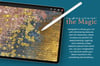
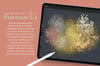
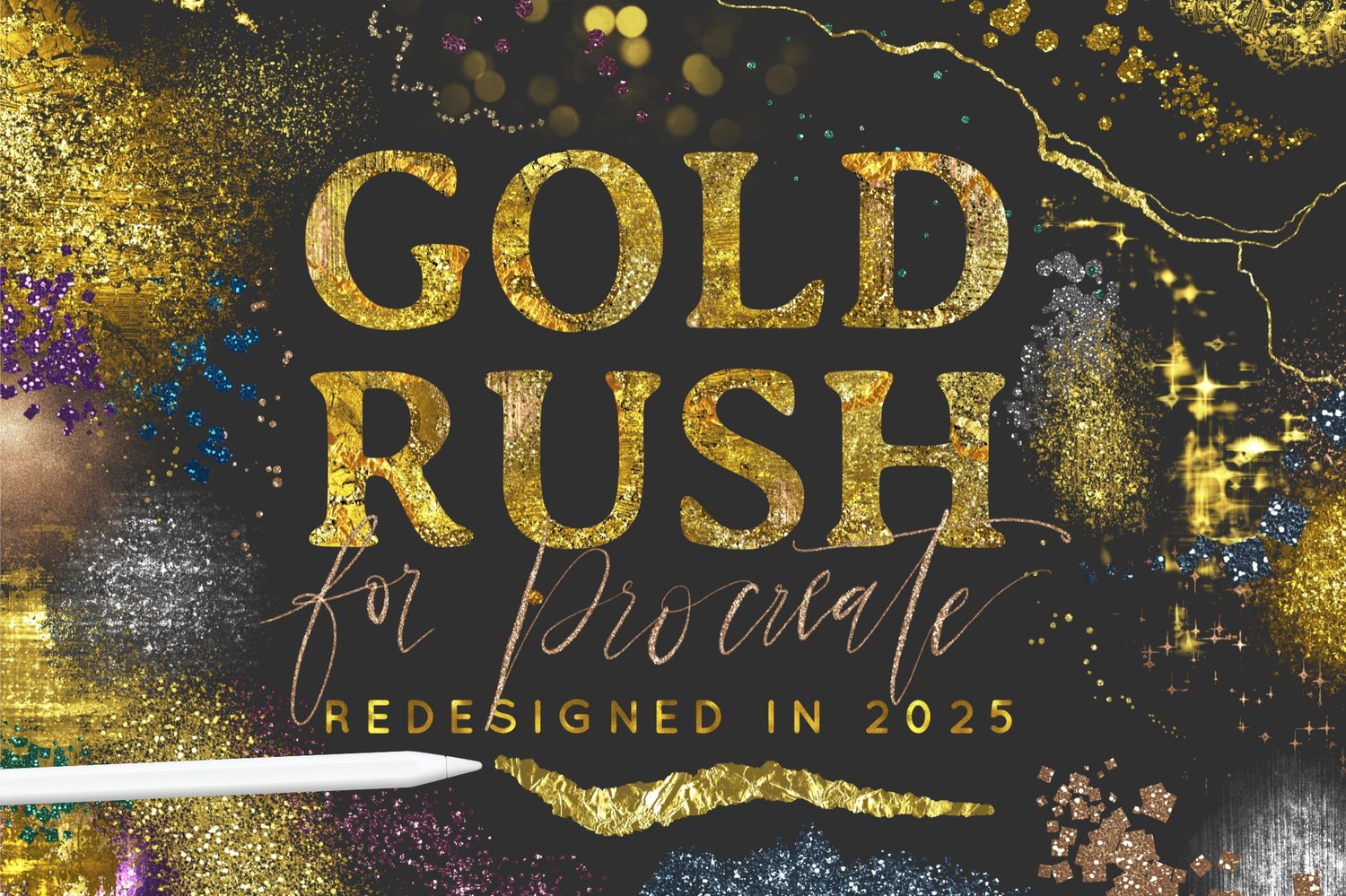
The Gold Rush collection has been loved by thousands of artists and designers over the years, and now it’s back, rebuilt from the ground up in 2025 for Procreate 5.4.

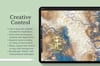
This update is not just about new brushes, it’s about making every brush sharper, smoother, and more flexible than ever. Almost the entire set has been overhauled using Procreate’s new Brush Studio features, so textures look crisp and solid on light backgrounds as well as dark, glitter is built right in with no workarounds, and many brushes now scale their textures dynamically with size.

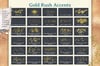
The set is now bigger too, with 75 brushes in total. That includes four distinct categories: rich metallic Textures, versatile Drawing & Painting tools, sparkling Accents, and smooth Lettering brushes. The naming and organization system has also been completely refined for clarity, so it’s easier to find exactly what you need. 

In short, this update makes Gold Rush the most polished, powerful metallic Procreate brush set yet. Paint, draw, scatter, and letter your way to dazzling results directly on your iPad with your Apple Pencil.


WHAT'S INCLUDED:

  •  75 Procreate brushes (in one .brushset file) across four categories: textures, drawing & painting, accents, and lettering.
  • Crystal clear metallic textures behind the brushes, that look sharp and solid on both light and dark backgrounds, with many scaling dynamically as you adjust brush size.
  • Confetti brushes with scalable glitter textures built in. No clipping mask or workarounds needed!
  • 1 Metallic Color Palette (.swatches file) designed to pair perfectly with the brushes.
  • A written cheat sheet explaining each brush category with tips for best results.
  • Full video walkthrough and demo to get you started.
  • A growing playlist of tutorial videos coming soon.
  • Free support: I’m always happy to help with any questions or issues—just email me at hello@alainajensen.com.
  • Community: Join other artists using these brushes, share your work, and exchange tips in the free Facebook group or on Instagram #alainajensenbrushes.
You will get a ZIP (412MB) file
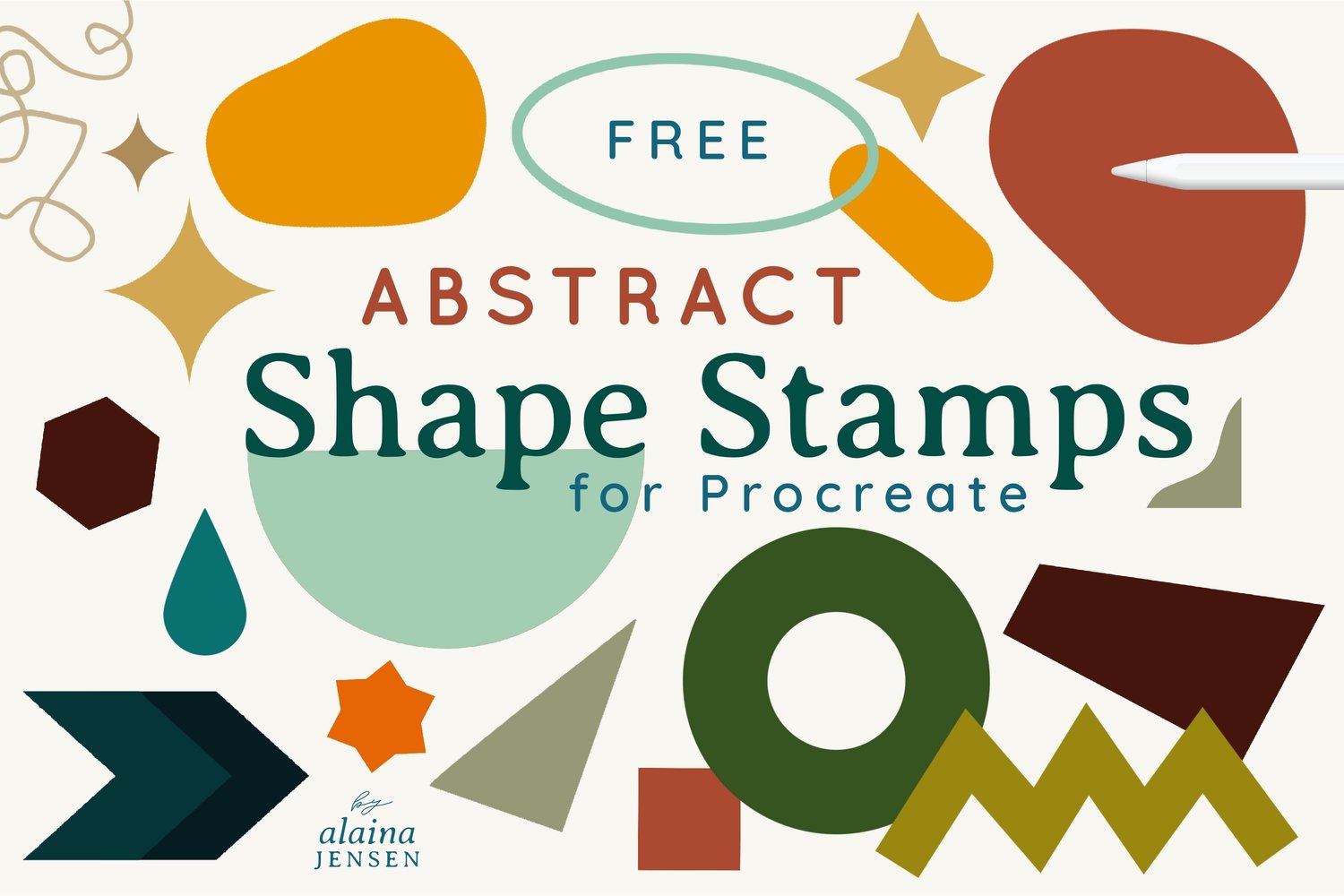
66 Free Shape Stamps for Procreate
On Sale
$0.00
Free Download
Added to cart

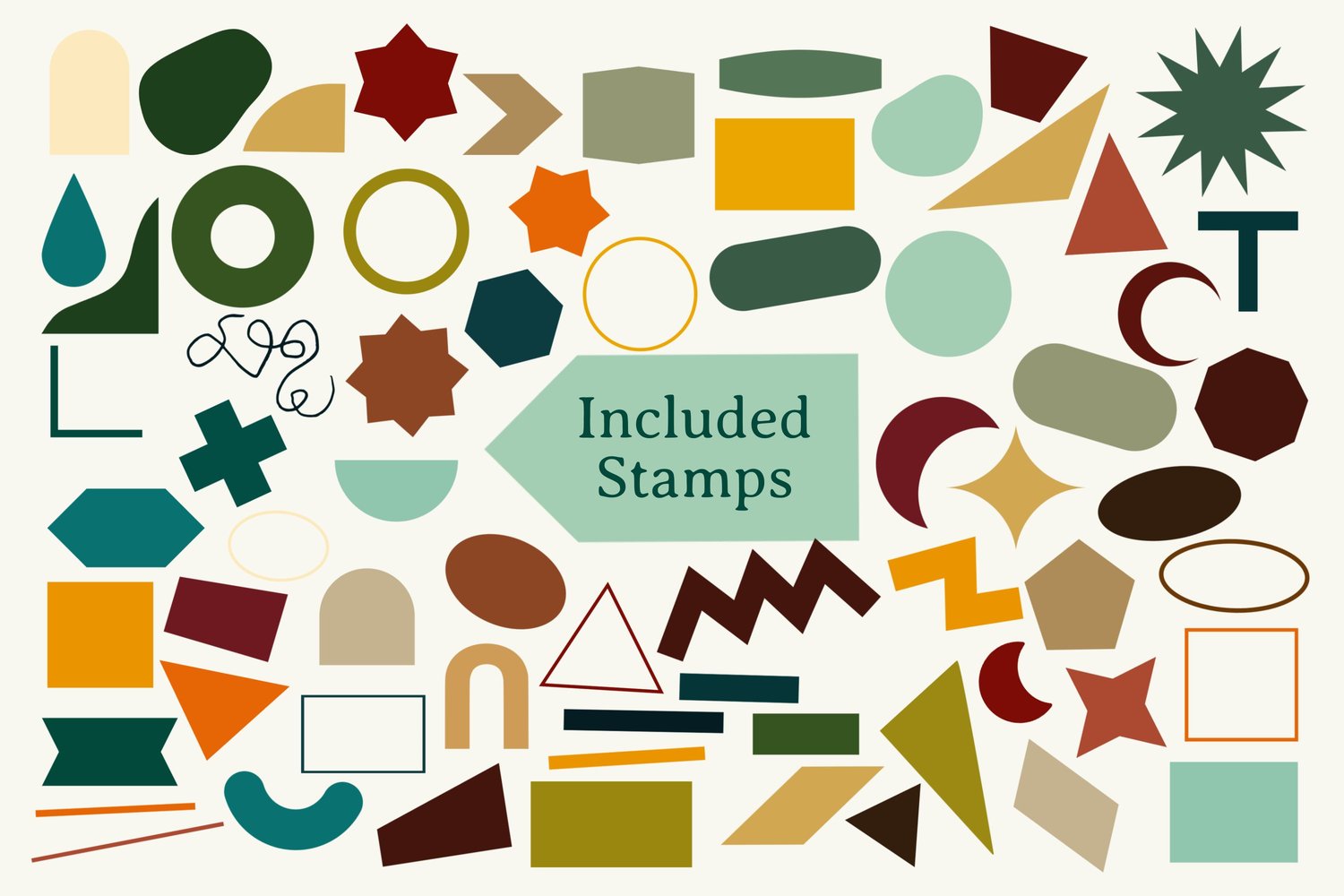
This free set includes 66 Procreate stamps designed for intuitive abstract artwork, collage, and design play. 


In this free brush set, you’ll find clean geometric shapes, organic forms, and playful motifs: from circles and arches to zigzags and stars. They work beautifully for structured compositions, layered collages, or playful abstract arrangements.

Each stamp remains precise at any brush size, with some stamps allowing you to control their orientation using Apple Pencil tilt when it makes sense. This gives you the ability to create exact compositions or arrange shapes with intentional variation.

These shapes are versatile, timeless, and made to mix easily with texture, color, and pattern for endless experimentation on your iPad.

You will get a BRUSHSET (61MB) file

by Alaina Jensen

Digital artist, brush maker, online educator and texture whisperer, prone to creative obsessions. I live in rural Hertfordshire, U.K. and have been creating art and design resources for fellow creatives since 2014. 

More Brushes

Gold Rush for Procreate

$24.00

Autumn Magic for Procreate

$19.00

Christmas Hygge Brushes for Procreate

$21.00

Winter Magic Brushes for Procreate

$17.00

Fiber Art Brushes for Procreate

$24.00

Mixed Media Collage Brushes for Procreate

$24.00