Your Cart
Loading

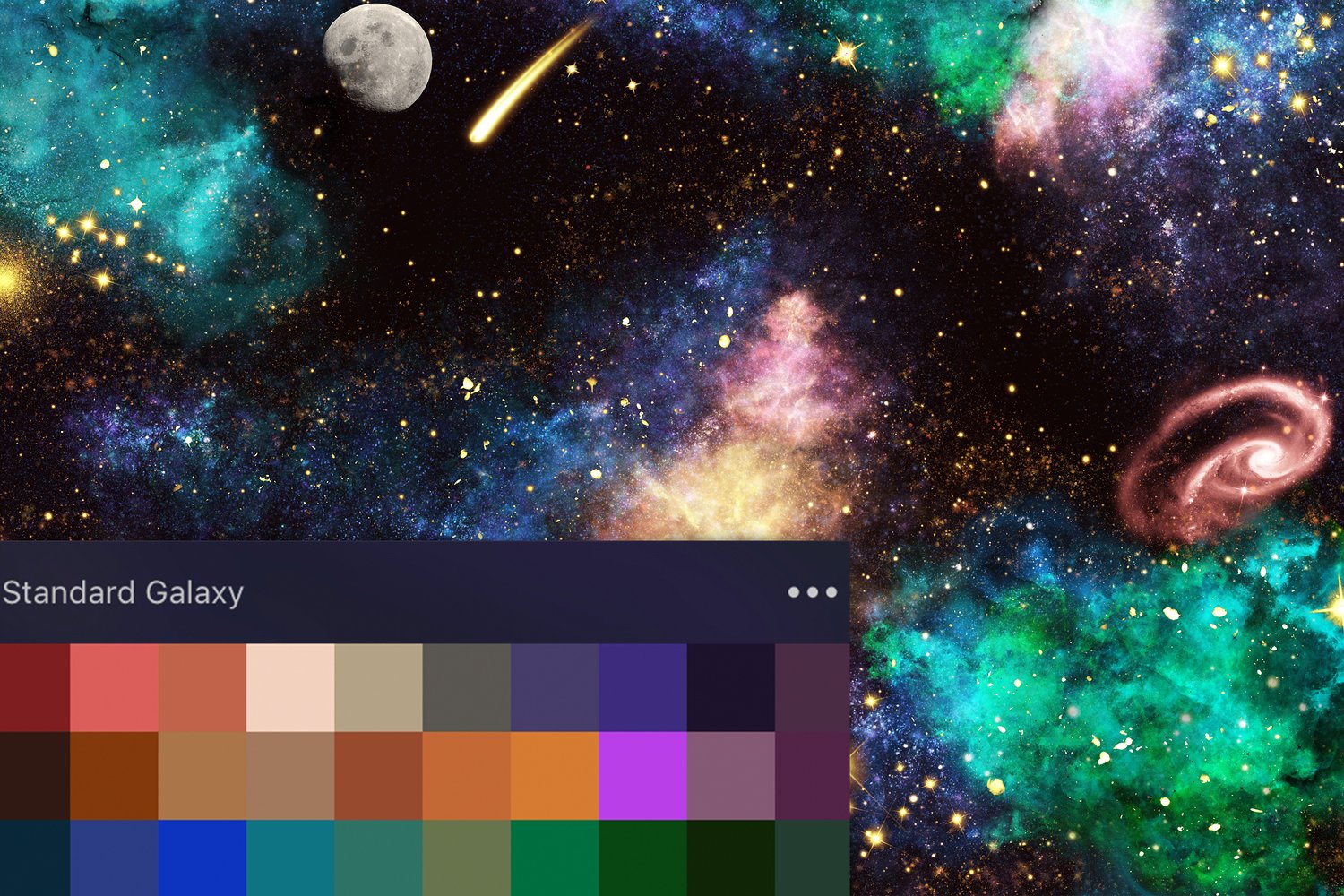
Creating a Galaxy Scene in Procreate


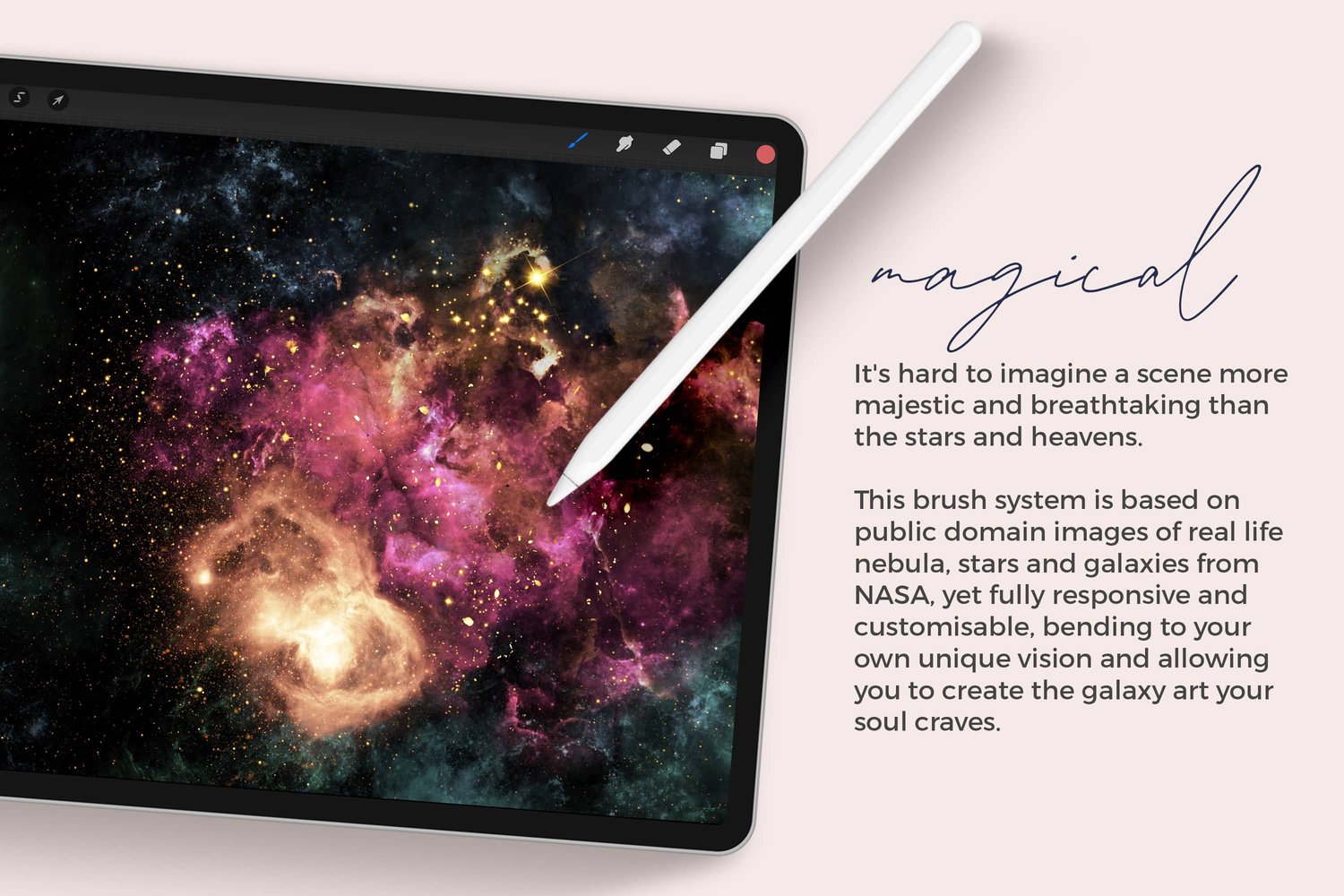
As a lover of all things galaxy, I've been dreaming about these brushes for a long time. Some of my earliest forays into digital art were galaxy themed. It's hard to imagine a scene more majestic and breathtaking than the stars and the heavens. I'm so excited to finally release these brushes - I hope you love them as much as I do!


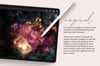
Made using iPad Pro 2020 in the Procreate app with Apple Pencil on a black background using brushes and the "Standard Galaxy Palette" from my new Galaxy brush set. You are very welcome to follow the tutorial with any galaxy brushes that you have.


A Few Tips:

  • Start with darker colors and build lighter colors on top. The more layers you add, the more it glows.
  • These brushes are pressure-sensitive and present differently based on how hard you apply them.
  • Use the brushes labeled "intense" with discretion for the best effect. The brightening effect is gorgeous, but can get too bright very quickly.
  • You're going to want to keep some empty dark space for contrast

Galaxy Brushes for Procreate
On Sale
$24.00
$24.00
Added to cart
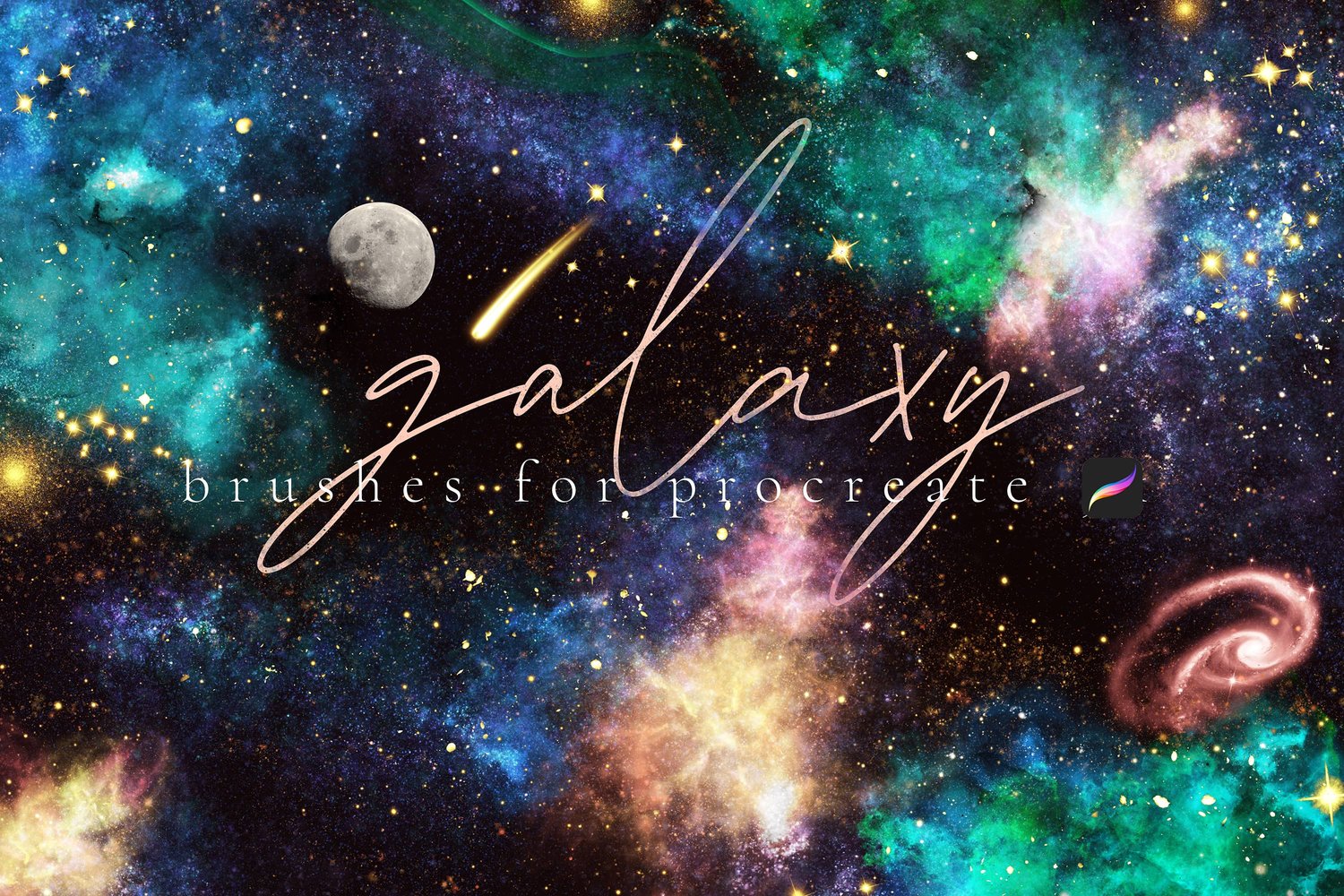
55 Dynamic Brushes and 43 Stamp brushes, all carefully engineered to help you make breathtakingly beautiful galaxy art in Procreate.

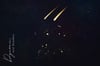
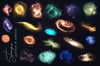
It's hard to imagine a scene more majestic and breathtaking than the stars and heavens. This brush system is based on public domain images of real life nebula, stars and galaxies from NASA, yet fully responsive and customisable, bending to your own unique vision and allowing you to create the galaxy art your soul craves.

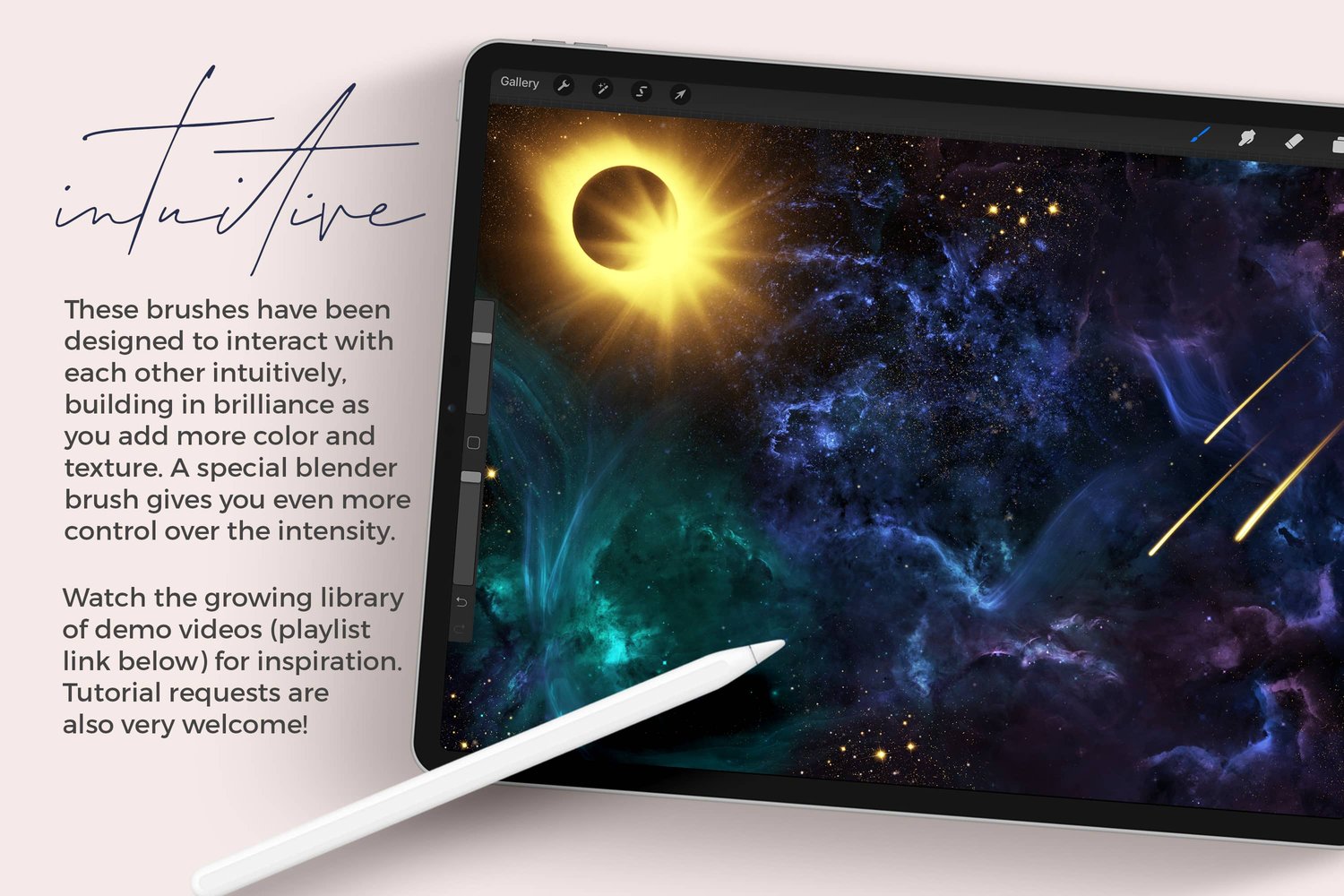
These brushes have been designed to interact with each other intuitively, building in brilliance as you add more color and texture. A special blender brush gives you even more control over the intensity. 


WHAT YOU GET:

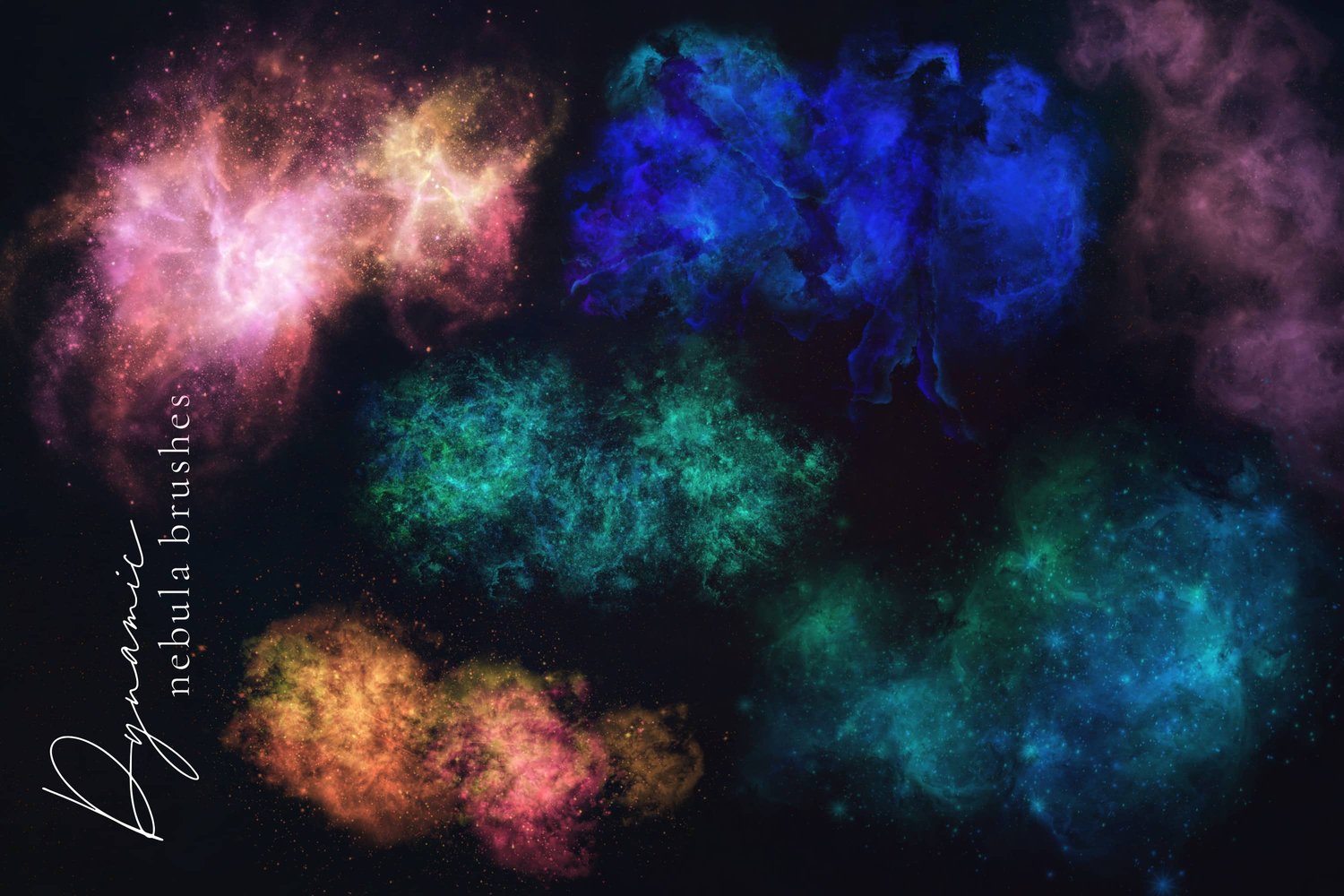
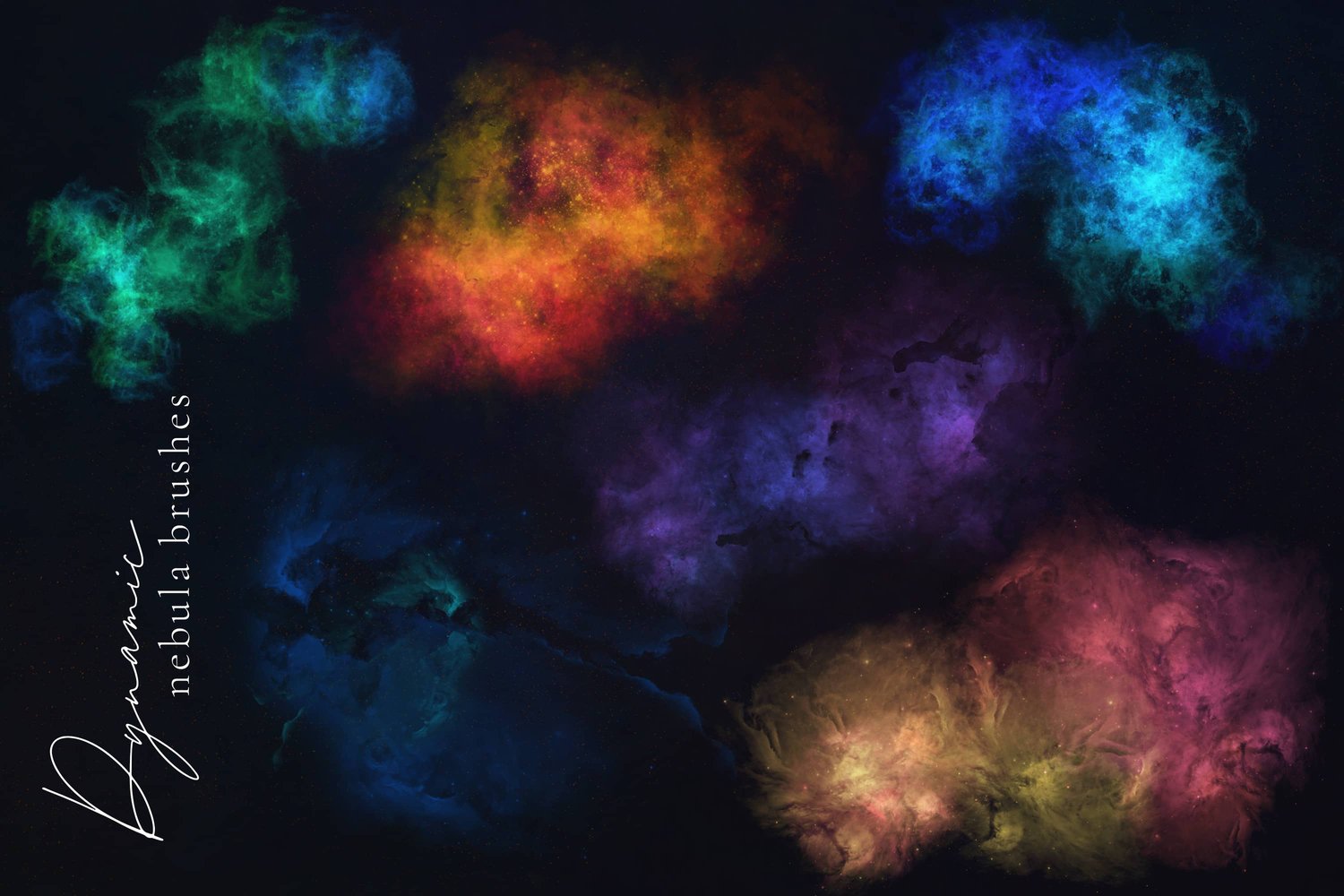
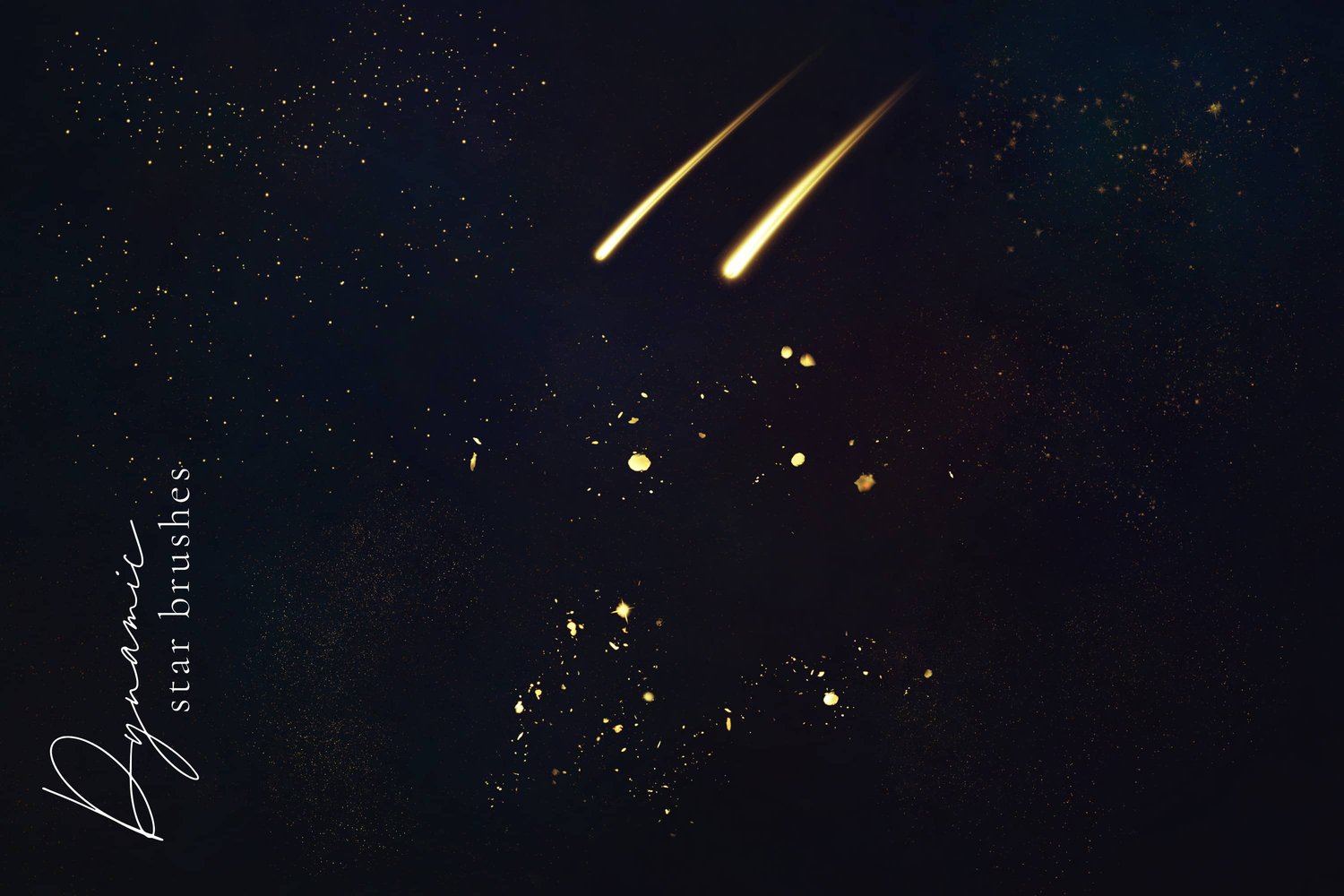
  • 36 Dynamic and pressure sensitive brushes for Procreate, including stars, dust clouds, wispy rings, space, and nebulae.
  • 18 Additional dynamic brushes which are versions of some of the brushes above, with added Color Variation (CV) to facilitate "happy accidents." 
  • A "Selective Intensifier" blender brush to help you control which parts of your piece look more reflective and bright.
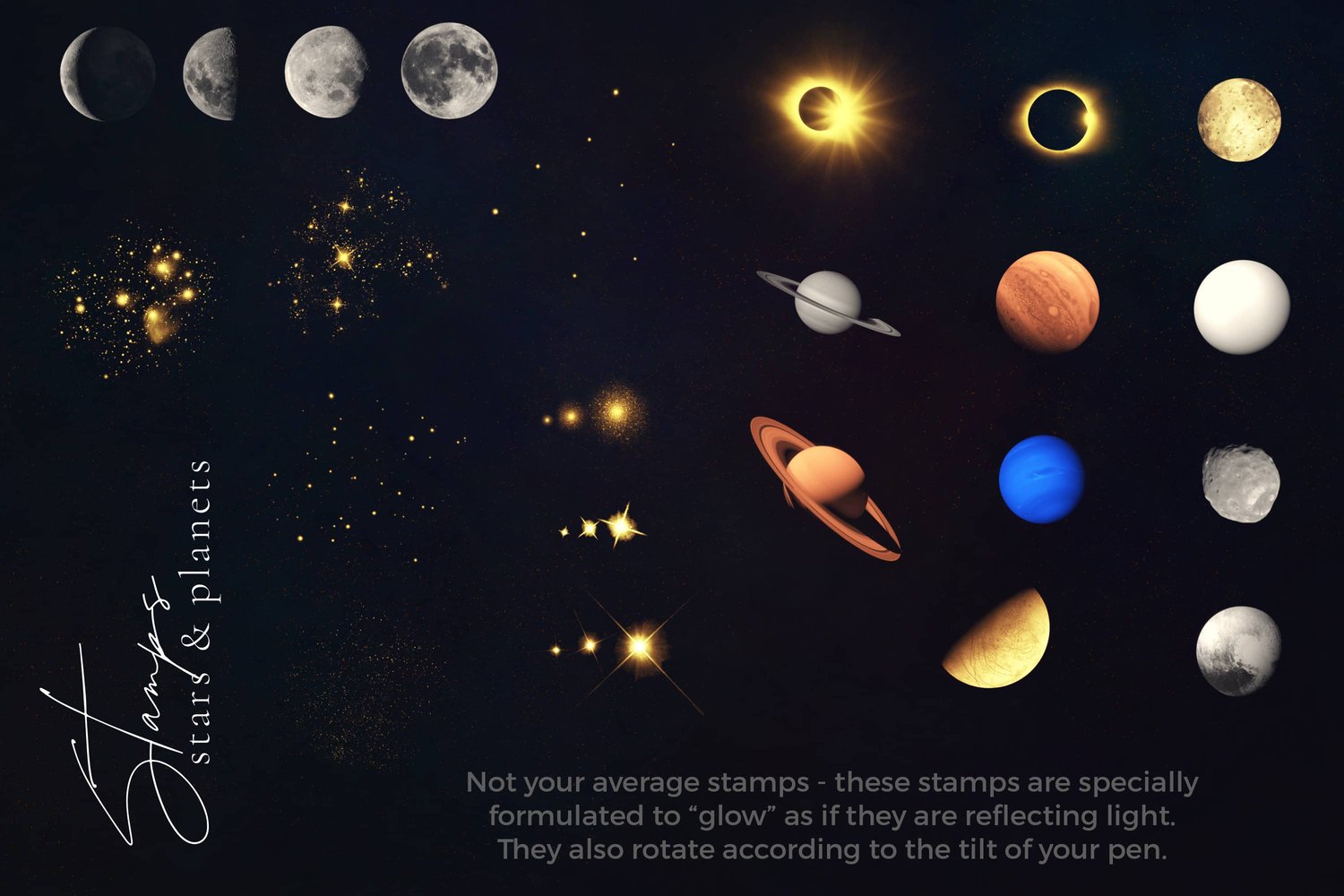
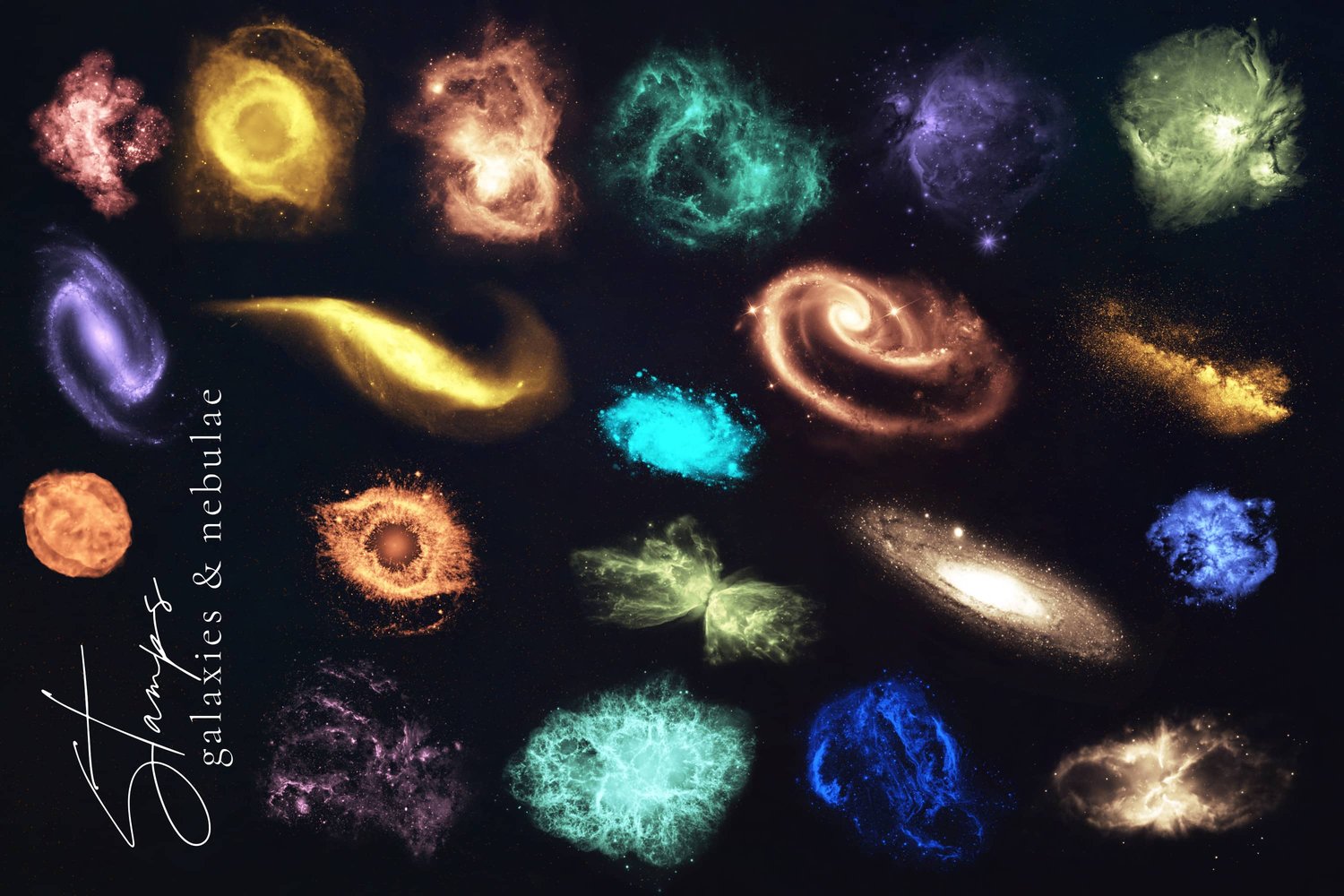
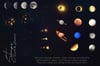
  • 43 Stamp brush for Procreate, carefully formulated to "glow" on a dark background, rotating with your Apple Pencil tilt, including stars, moons, planets, galaxies and nebulae. 
  • 7 Color palettes based on the majesty of the stars and the heavens.
  • A written cheat sheet explaining each brush type and how to use them.
  • Full video tutorial and walkthrough
  • A growing playlist of demo videos for different techniques and looks.
  • Free support: I am always happy to help with any questions or issues! For support please send me an email at hello@alainajensen.com
  • Community: Join other artists using these brushes to exchange tips and show off your work using our Free Facebook Group or on Instagram #galaxybrushes or #alainajensenbrushes
You will get a ZIP (340MB) file
Standard Galaxy Palette for Procreate
On Sale
$0.00
Free Download
Added to cart
Download the Procreate color palette used in the following video tutorial: 

You will get a SWATCHES (5KB) file

by Alaina Jensen

Digital artist, brush maker, online educator and texture whisperer, prone to creative obsessions. I live in rural Hertfordshire, U.K. and have been creating art and design resources for fellow creatives since 2014. 

More Brushes

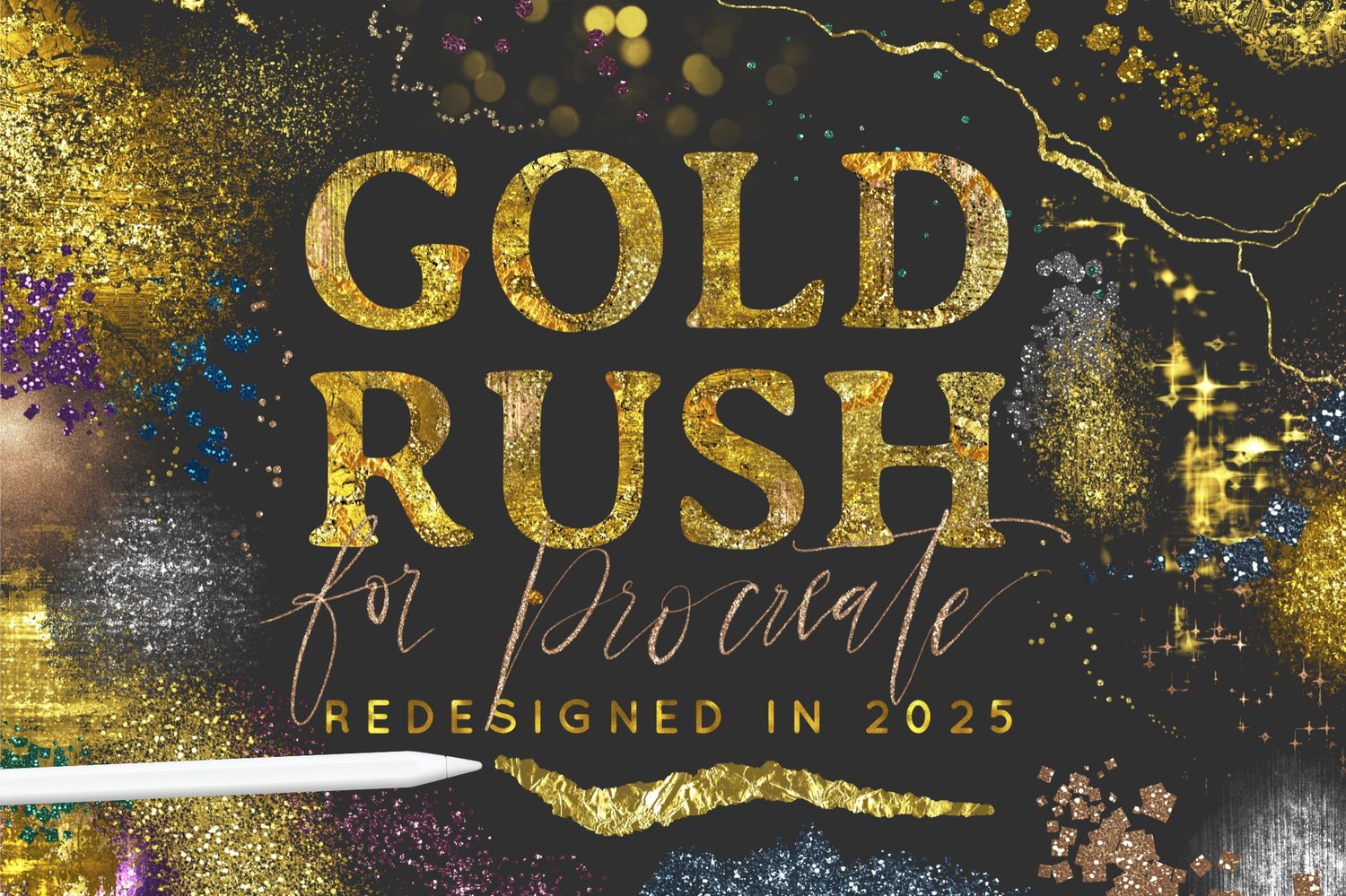
Gold Rush for Procreate

$24.00

Autumn Magic for Procreate

$19.00

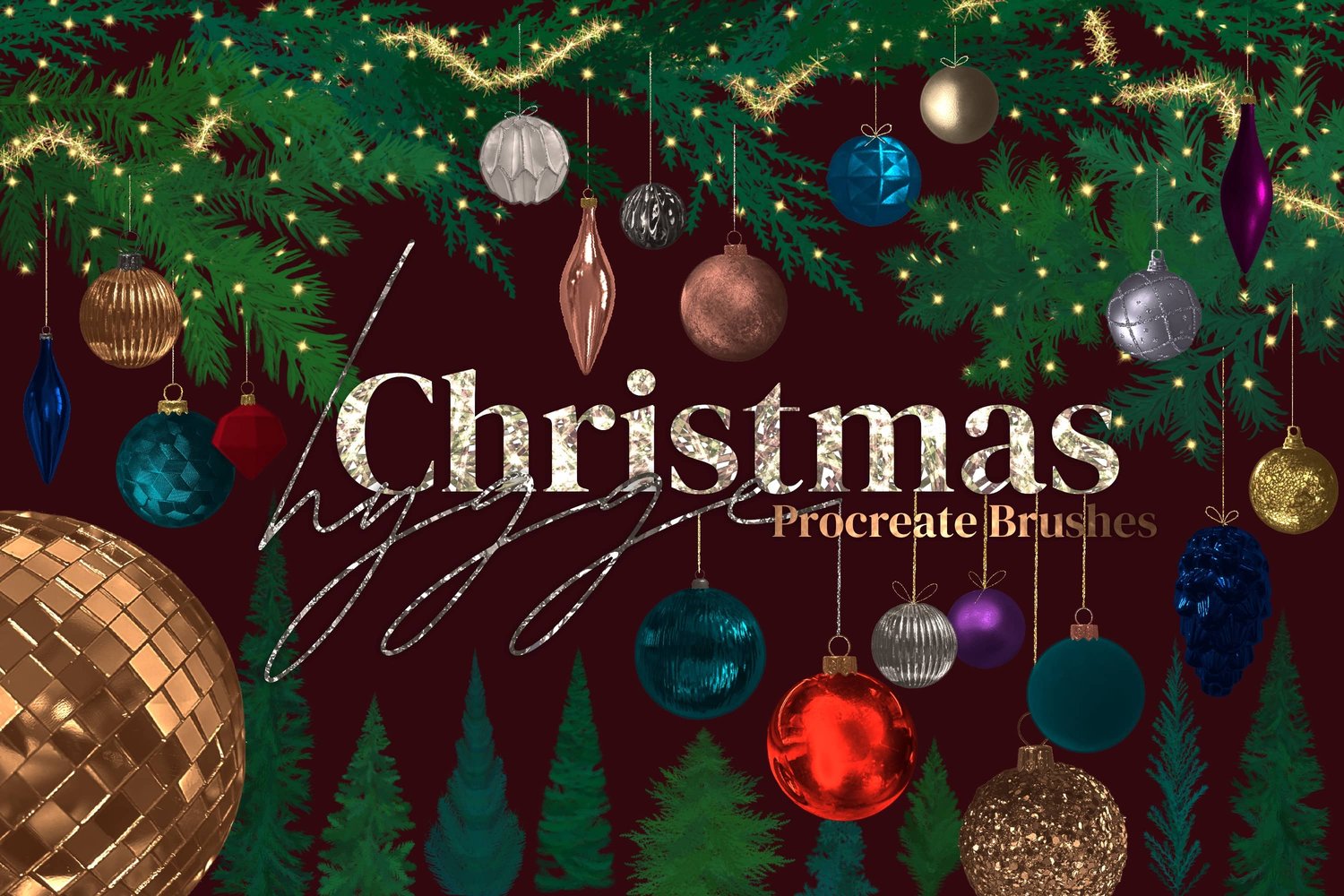
Christmas Hygge Brushes for Procreate

$21.00

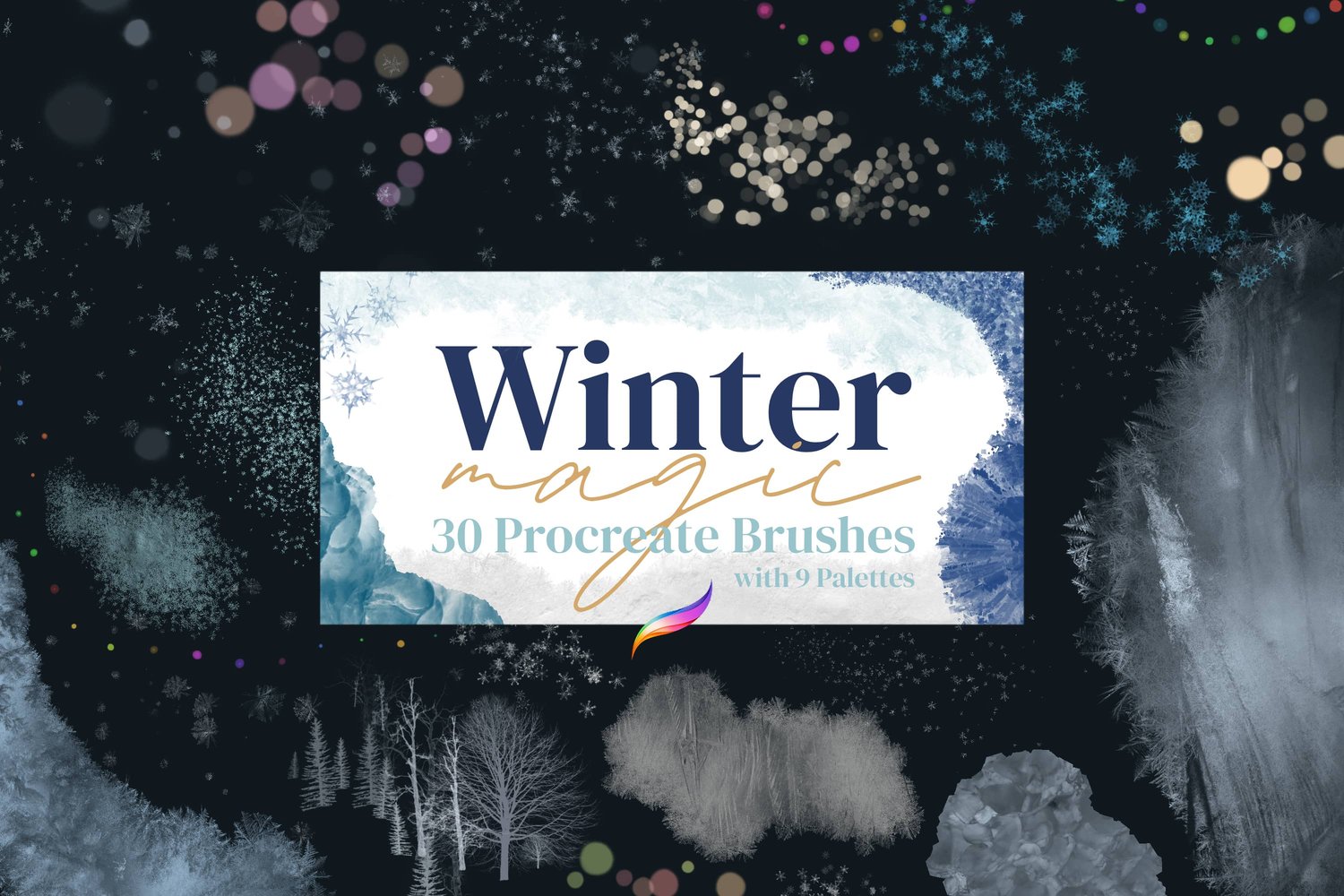
Winter Magic Brushes for Procreate

$17.00

Fiber Art Brushes for Procreate

$24.00

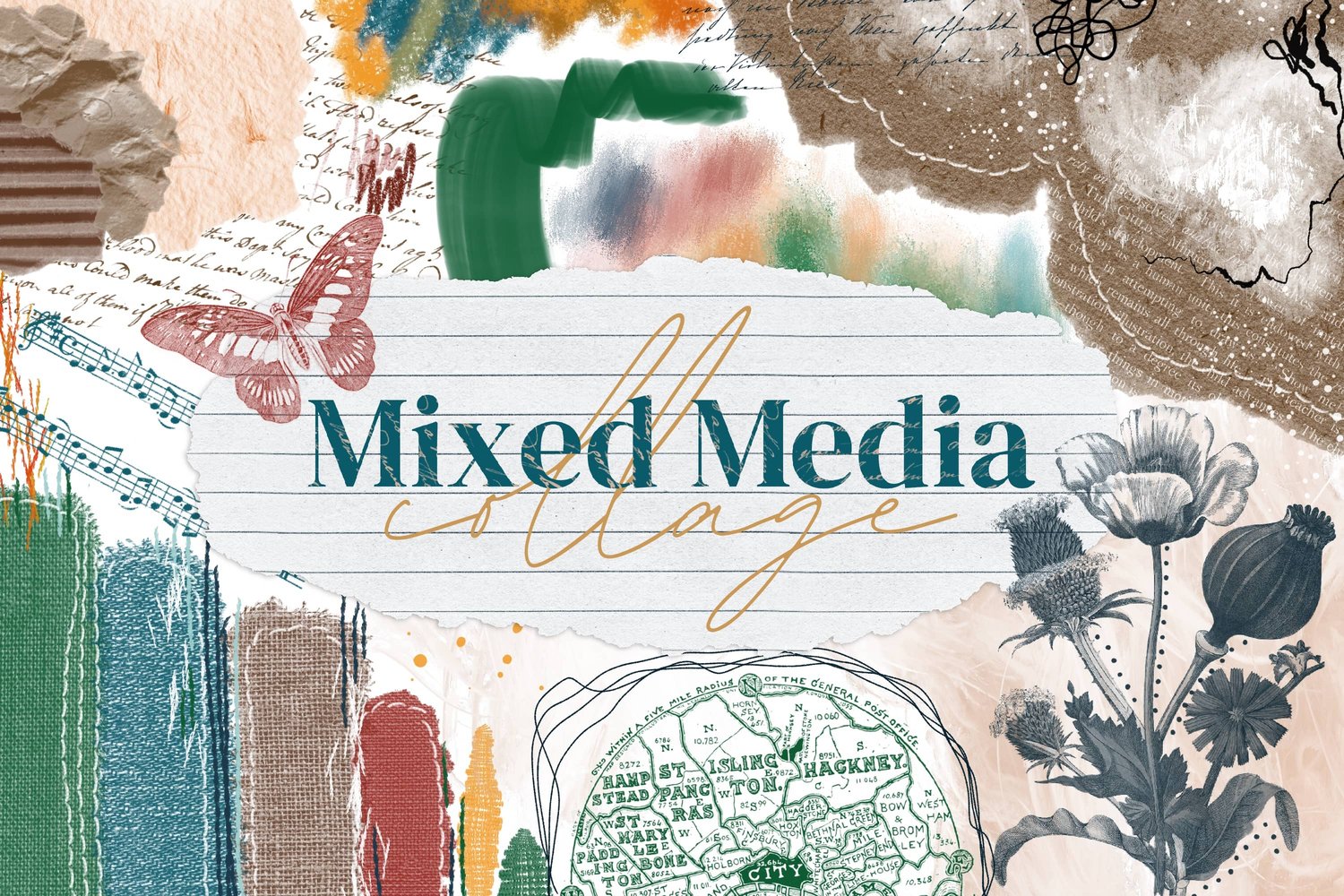
Mixed Media Collage Brushes for Procreate

$24.00